Table of Contents
Is it software or hardware?
| What you see | Likely |
|---|---|
| Stuck on the brand logo | Firmware or storage chip |
| Restarts repeatedly | Firmware, or a board fault |
| Apps crash or will not open | Software or low storage |
| Wi-Fi switches off or will not connect | Wi-Fi module or software |
| Remote works but menu is slow | Software or storage |
| TV is dark but sound works | Not software — see backlight repair |
Try these first
- Unplug the TV for five minutes, then switch it on.
- Check for a pending system update. Do not interrupt an update.
- Remove apps you do not use, to free storage.
- Restart your router and reconnect to the Wi-Fi.
- Before a factory reset: note down your logins. A reset erases apps and accounts.
Tell us the model and what happened just before the fault.
How we do smart TV software repair in Kandivali East
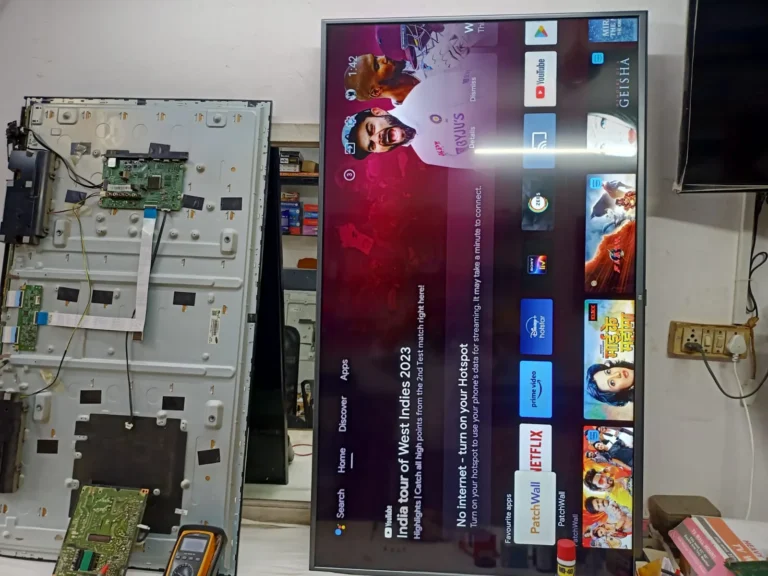
Our workshop has a programming machine that reloads firmware and programs chips. We:
- Check the board for the cause, since a failing memory chip can look like a software fault.
- Reload the correct firmware for your model.
- Test the TV through a full start-up, an app and Wi-Fi.
- Quote before we begin.
We repair the TV. We do not unlock accounts or remove locks set by a previous owner.
What Causes Smart TV Software Faults
Smart TVs run an operating system, and like any computer it can slip into a fault after a failed update, a full storage, or an interrupted power cut. Wi-Fi faults can also come from hardware, so we check both before deciding.
What We Check During Smart TV Software Repair
- Whether the fault is in software or in a board
- Storage, memory and app data
- Wi-Fi and network settings
- Firmware version and whether a clean update is possible
- Remote and input behaviour
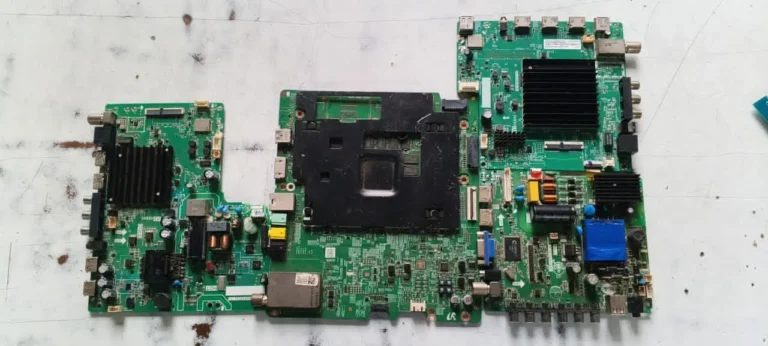
- Hardware signs on the main board
Repair or Replace? A Straight Answer
Many software faults can be fixed with a reset or firmware reload. If the storage chip or board has failed, the repair becomes a hardware one and we discuss it with you before proceeding.
What Affects the Cost of Smart TV Software Repair
- Whether the fault is software or hardware
- The make and model of the TV
- Availability of the correct firmware
- Time needed to reload and test
Smart TV help near Thakur Complex
Our workshop offers smart TV software repair in Kandivali East from Gayatri Nagar. Many software faults need only the board, so a short drop-off may be enough. For a wall-mounted set, ask about an on-site visit.
Warranty on this repair
Most software reloads are small jobs without a warranty. If the fix needs board work, one month of service applies, and we tell you before we start. How our warranty works
Questions about smart TV software
Why is my smart TV stuck on the logo?
The firmware or the storage chip can be damaged by a failed update or a power cut. It needs a reload or a board repair.
Will I lose my apps and settings?
A firmware reload can reset settings. We tell you before we start.
Do you repair Android TV, WebOS and Tizen TVs?
We repair smart TVs of the common brands. Send the model number and we will confirm. See types and brands.
Can a software repair fix a TV that keeps restarting?
Sometimes. If the board is failing, the restarts come back. We test to find out.